
Last updated November 15, 2026
 Wrought iron
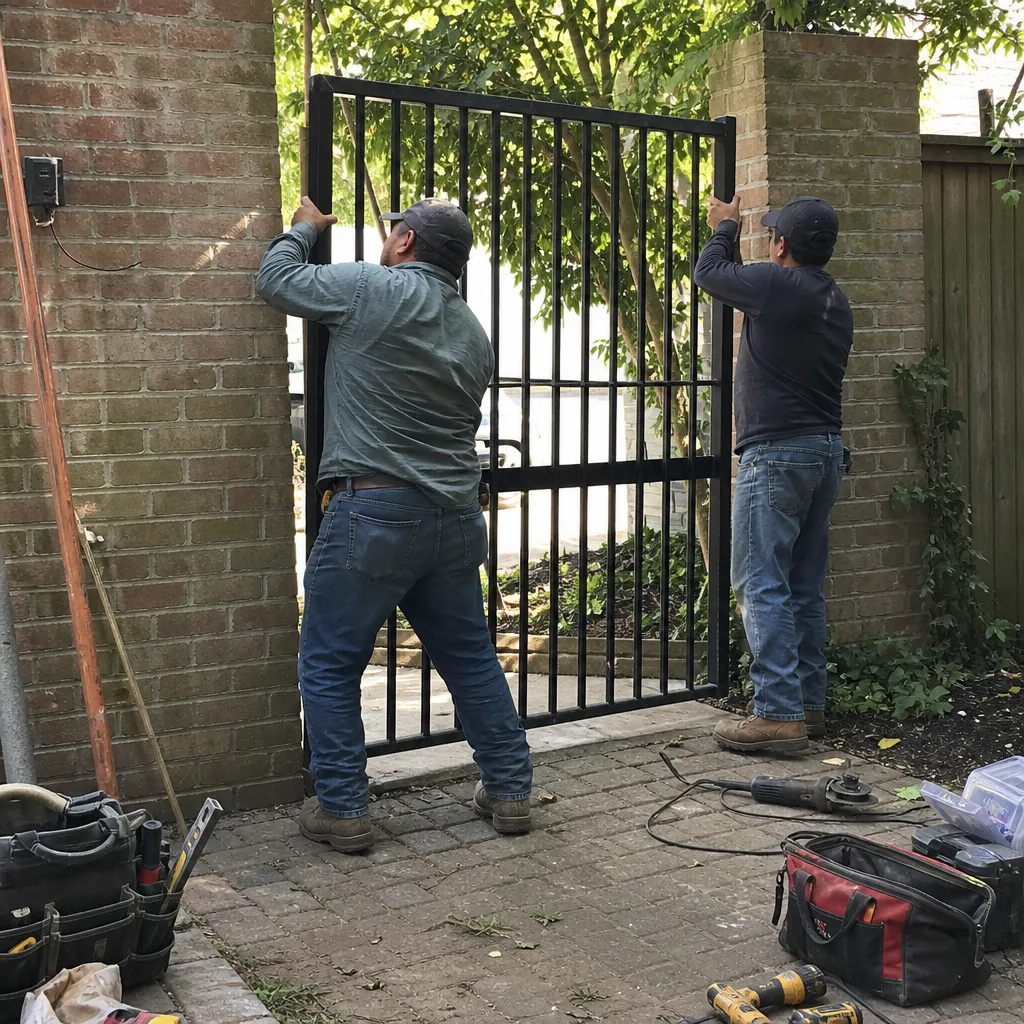
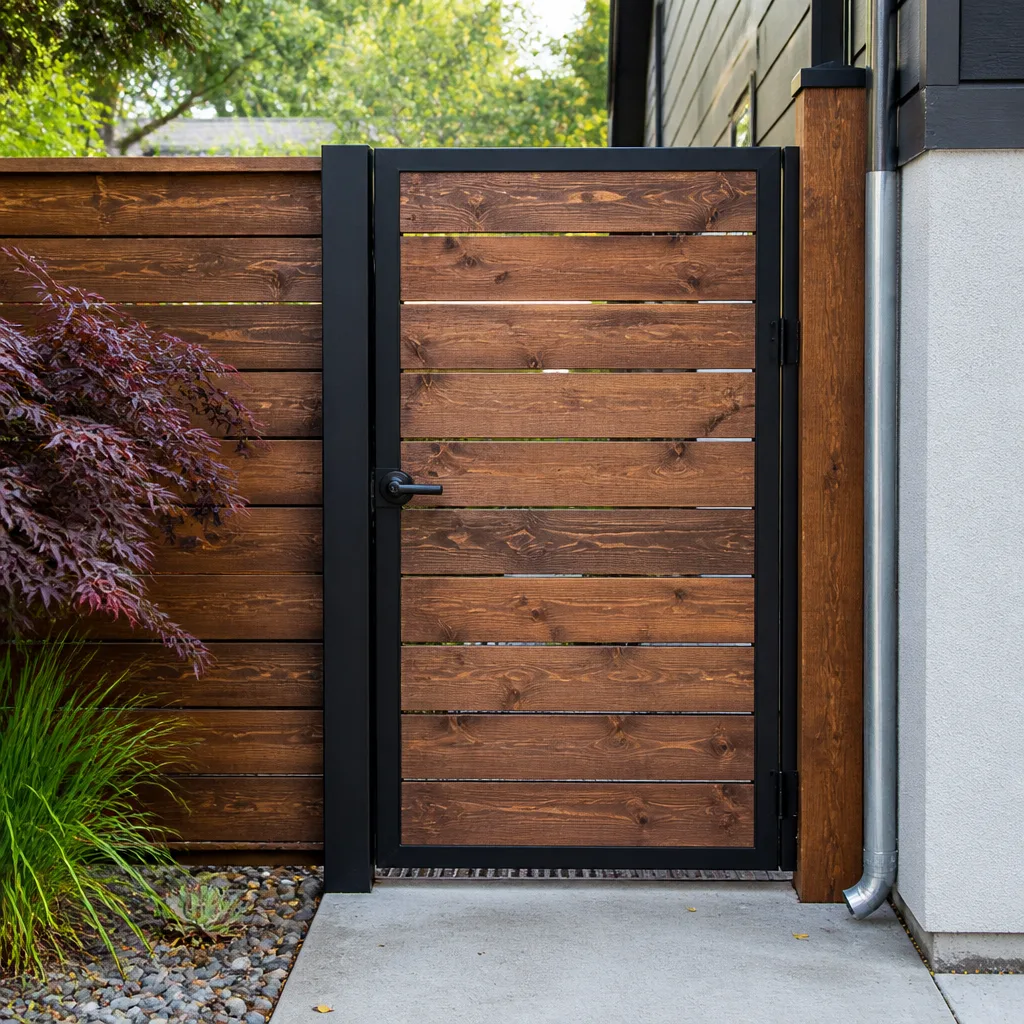 Wood & steel frame
 Farm & ranch
 Sliding driveway gates
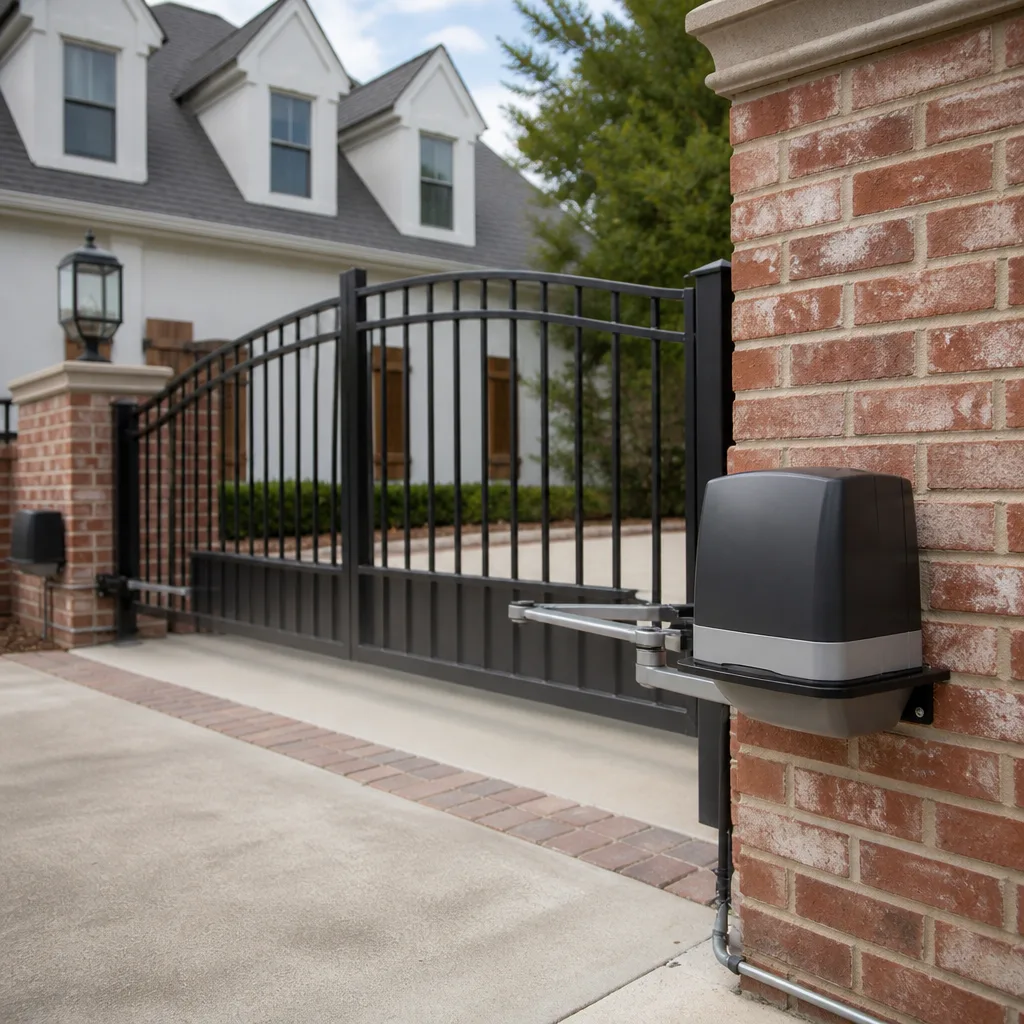 LiftMaster operators
Free on-site gate assessment - hinges, posts, and your LiftMaster or Nice gate operator checked before anything is quoted
The assessment is free and the quote is the invoice.
Get your free estimateGate Repair Troubleshooting in Arlington: Common Problems and How to Fix Them
Most people assume a gate that won’t open needs a new motor. In our experience working on gates across Arlington, the opposite is often true: a good share of the failures we get called out for are power problems, not gate problems. A tripped GFCI outlet or a dead battery in a keypad or entry system can make a fully healthy operator look dead. You don’t need tools to check either one, and you can rule them out in minutes. That single instinct, checking the simplest power source before you assume the worst about the hardware, saves homeowners and property managers real diagnostic time. This guide gives you a structured way to troubleshoot your gate: what to check, what the symptom is telling you, and when to stop and call a gate specialist.
Quick Answer
Gate repair troubleshooting in Arlington starts with sorting the failure into one of three categories: power (no electricity reaching the operator), signal (power is fine but the command isn’t getting through, or the control board isn’t acting on it), or mechanical (the arm, hinges, track, or rollers are the problem). Checking those in that order tells you whether you’re looking at a five-minute reset or a repair that needs a technician. If the gate is automated and your check points to wiring, the control board, or the motor, stop and call a professional.
Styles & brands we work with
- Wrought iron
- Wood & steel frame
- Farm & ranch
- Sliding driveway gates
- LiftMaster operators
Table of Contents
- The Three Root Causes Behind Almost Every Gate Failure
- Power Problems: The First Thing to Rule Out
- Signal and Control Board Failures
- Mechanical Failures: Hinges, Track, and Arms
- Symptoms by Gate Type: Slide, Swing, and Barrier Arm
- How Northern Virginia’s Freeze-Thaw Cycle Affects Your Gate
- When a DIY Reset Is Safe and When It Isn’t
- The Five Diagnostic Checks a Technician Runs on Arrival
The Three Root Causes Behind Almost Every Gate Failure
When we diagnose a gate in Arlington, we’re really asking one question first: is this a power issue, a signal issue, or a mechanical issue? Every symptom you observe is a clue pointing toward one of those three buckets, and knowing which bucket you’re in cuts the diagnostic work roughly in half. The framework holds whether you have a residential driveway gate or a commercial barrier arm at a parking entrance.
Here’s how the three categories break down, and how you can tell them apart before anyone arrives:
- Power problems: the operator gets no electricity, or gets the wrong kind. The gate is completely dead, the control board shows no lights, or the unit works intermittently and dies at the same moment each day. Look at your breaker and your GFCI outlet first.
- Signal problems: the operator has power and the lights are on, but it won’t respond to the remote, keypad, or entry system, or it opens and then refuses to close. This is the control board, the receiver, the safety sensors, or the access hardware that sends the command.
- Mechanical problems: the operator runs and you can hear the motor working, but the gate barely moves, moves unevenly, binds, drags, or grinds. The motor is fine; the arm, hinges, track, or rollers are fighting it.
One quick test tells you a lot. Listen. If you hear the motor run but the gate doesn’t move, you’re in the mechanical category. If the motor is silent and the unit is dark, you’re in power. If the motor clicks once and stops, or the gate reverses on its own, you’re likely in signal. That’s the whole framework, and most homeowners can apply it in under a minute. When you need a specialist, our gate repair team works on all three categories daily.
Power Problems: The First Thing to Rule Out
Power is the category people skip, and it’s the one that’s cheapest to check. Before you assume your operator has failed, confirm it’s actually getting electricity. A tripped GFCI outlet, a flipped breaker, or a discharged battery in a standalone entry system will make a perfectly functional gate look broken.
Work through these checks in order. None of them require tools, and none of them involve opening the operator housing:
- Find the power source. Automated gate operators run on household current, often through an outdoor outlet protected by a GFCI. Locate that outlet and the breaker that feeds it.
- Check the GFCI. If the outlet has a reset button and it’s popped out, that’s your answer. Press reset. If it trips again immediately, don’t keep resetting it, because that points to a real fault in the wiring or the operator, and that’s a job for a technician.
- Check the breaker panel. A tripped breaker feeding the gate circuit looks exactly like a dead operator. Reset it once. If it trips again, stop.
- Check standalone batteries. Keypads, wireless entry systems, and some access hardware run on batteries. A dead battery in the entry device means the operator never receives the command, even though the operator itself has power.
- Watch the control board indicator. If the operator has power, the board should show a light. No light at all with confirmed power at the outlet points to the operator’s internal power supply, which is a technician call.
One safety note here: never open the operator housing or poke at the wiring inside it to test for power. Gate operators combine household voltage with low-voltage control circuits, and the safety edges and sensors are wired into that same system. A multi-meter check inside the housing is a job for someone trained on it. If your checks point past the outlet and the breaker, that’s where you stop and call. Our electric gate repair specialists handle everything from the outlet to the motor, including the control board and safety sensors.
Signal and Control Board Failures
Signal failures are the most misunderstood category, because the gate has power and often does something, just not the right thing. The operator lights up, maybe it even opens, but it won’t close, won’t respond to the remote, or reverses halfway through a cycle. These are control board, receiver, sensor, and access-hardware problems, and they need a different approach than power or mechanical issues.
Common signal symptoms and what they usually point to:
- Opens but won’t close: almost always a safety sensor or safety edge. The operator is being told something is in the way. Check for obstructions, dirt on the sensor lenses, or a sensor that’s been knocked out of alignment.
- Won’t respond to the remote but the keypad works: the receiver or the remote itself. Try a fresh battery in the remote first.
- Won’t respond to the keypad but the remote works: the keypad battery or the keypad’s wiring to the board.
- Random opens and closes with no command: a stuck button, a failing receiver, or interference. This one is worth a technician visit because it’s a security issue.
- Motor clicks once and stops: the board is receiving the command but cutting out. This is often a board or capacitor problem, and it’s a technician call.
Control boards are where brand matters most. A Ghost Controls board and a DoorKing board behave differently under the same fault, and the reset sequences and fault codes aren’t interchangeable. Our technicians have up to 10 years of experience and work on nine gate operator brands, from residential systems like Mighty Mule and Ghost Controls up to commercial operators like DoorKing and FAAC. That means we diagnose the actual unit in front of us instead of applying a guess that happens to work on one brand. If a board is failing, we can tell you whether it’s a board replacement or a symptom of something else in the system.
Mechanical Failures: Hinges, Track, and Arms
Mechanical failures are the easiest to identify and often the easiest to explain: the motor is working, but the gate is fighting it. You’ll hear the operator run and the gate barely move, or move with a shudder, a drag, or a grinding sound. The motor isn’t the problem. The moving parts are.
What to look at, by gate type:
- Swing gates: the hinges are the usual culprit. Worn or dry hinges make the gate sag, and a sagging gate drags on the ground or binds against the operator arm. Look for a gate that’s dropped at the latch end, or scrape marks on the pavement.
- Slide gates: the track, the rollers, and the guide rollers. Debris in the track, a bent section of track, or a seized roller will stop a slide gate cold. Look for the gate riding up, wobbling, or jumping the track.
- Barrier arms: the arm itself, the counterweight, and the pivot. A barrier arm that won’t raise fully or drops on its own points to the arm mechanism or the spring/counterbalance, not the motor.
- All types: the operator arm or drive mechanism. A bent arm, a loose mounting bracket, or a worn drive gear makes the operator work against itself. This one is often a technician call because the arm has to be disconnected safely to test.
Here’s the thing about mechanical problems: they get worse. A gate that binds a little today will wear the operator out over time, and a gate that’s come off its track can be a crush hazard, especially on a heavy slide gate. Don’t keep running an operator against a binding gate to “see if it clears,” because you’re wearing out a motor that doesn’t need to be replaced. If the mechanical problem is beyond a visual check, or the gate is heavy and moving unpredictably, stop and call. A trained technician can tell you in a few minutes whether it’s a hinge, a track, or the arm.
Symptoms by Gate Type: Slide, Swing, and Barrier Arm
The same underlying problem shows up differently depending on the gate. A homeowner with a swing gate and a property manager with a slide gate can describe their failure in the same words and be dealing with two different repairs. Knowing your gate type tells you which symptoms to look for first.
Slide gate symptoms
- Gate starts, then stops and reverses: usually the safety sensors detecting an obstruction, or a roller binding partway along the track.
- Gate wobbles or rides up: worn or seized rollers, or a track that’s out of level.
- Gate jumps the track: a track or guide problem, and a safety concern on a heavy gate. Stop operating it.
- Gate moves slowly and the motor strains: roller or track friction, or the drive mechanism.
Swing gate symptoms
- Gate sags and drags: worn hinges. The most common swing gate failure, and the one that wears the operator fastest.
- Operator arm binds or the gate stops partway: a bent arm, a loose bracket, or a hinge problem the operator is fighting.
- Gate opens but won’t latch: the operator’s limit settings or the latch hardware.
- Gate reverses on closing: a safety sensor or safety edge, the same as slide gates.
Barrier arm symptoms
- Arm won’t raise fully: the arm mechanism, the counterbalance, or the operator’s limits.
- Arm drops on its own: a counterbalance or mechanism problem, and a safety concern.
- Arm raises but the unit keeps running: a limit switch or control board issue.
Notice that the safety sensors show up on both slide and swing gates. That’s not a coincidence: the safety edges and sensors are the most common signal failure we see on automated gates, and they’re the first thing a technician checks on any gate that opens but won’t close. Commercial properties in Arlington with barrier arms at parking entrances tend to see limit-switch problems and arm-mechanism wear, since those units cycle many times a day.
How Northern Virginia’s Freeze-Thaw Cycle Affects Your Gate
Arlington sits in a climate that swings hard between freezing and thawing through the winter, and that cycle does different things to a gate operator than the mild, steady weather of the South. If you’ve moved here from a warmer climate, the failures you’re seeing may be new to you. The freeze-thaw pattern is the reason.
What happens, in practical terms:
- Lubricant viscosity. Grease and lubricants thicken as the temperature drops. A lubricant that flows fine in October can become stiff enough below 20°F to load the motor and make a gate move slowly or stall. This is why the wrong lubricant on hinges, rollers, and the operator arm is a winter failure waiting to happen. Ask your technician what they use in cold weather, because not every general-purpose lubricant handles a Northern Virginia winter.
- Ground movement. Repeated freezing and thawing shifts the ground, and posts, tracks, and hinges that were true in the fall can be out of alignment by February. A slide gate that suddenly binds in January is often a track that’s heaved, not a worn roller.
- Moisture and ice. Water gets into tracks, hinges, and the operator’s moving parts and freezes. Ice in a track will stop a slide gate. Ice on a hinge will make a swing gate drag.
- Contraction. Metal contracts in the cold, and parts that were snug in summer can loosen. Mounting bolts and brackets are worth a visual check as the weather turns.
The takeaway for Arlington property owners: treat late fall as the time to check the gate’s moving parts and lubrication before the first hard freeze, and treat any new binding or stalling in January and February as a cold-weather symptom before you assume the operator has failed. A gate that’s stiff in February often isn’t broken, but it does need the right attention. Our team works on gates throughout Arlington and knows how the local seasons stress these systems.
When a DIY Reset Is Safe and When It Isn’t
A reset is the right move for some gate failures and the wrong move for others. The distinction matters because forcing a reset on a gate that isn’t ready for one can corrupt the operator’s programming, and some operator brands are less forgiving about it than others.
Safe to try yourself:
- Resetting a tripped GFCI outlet or a tripped breaker, once.
- Replacing batteries in a remote, keypad, or entry-system device.
- Clearing debris from a slide gate track, or from around a swing gate’s path.
- Cleaning dirt or debris off safety sensor lenses, and checking that the sensors are aligned and unobstructed.
- Pressing the operator’s reset button if the manufacturer’s manual describes a simple reset and the gate is in a safe position.
Stop and call a professional:
- Opening the operator housing or touching any wiring, the control board, or the safety edge wiring.
- Resetting repeatedly after a GFCI or breaker trips a second time. That means a real fault, and resetting it again is a fire risk.
- Forcing a gate past a bind, or running the operator against a gate that’s dragging or off its track. You’ll wear out a motor that doesn’t need replacing.
- Any reset that involves re-learning the operator’s limits or travel. This is where a wrong sequence can corrupt the programming, and it’s more delicate on some systems than others. LiftMaster and BFT operators in particular have limit and travel settings that are easy to scramble if you’re guessing at the sequence.
The general rule: a reset is safe when it’s the manufacturer’s documented reset and it doesn’t involve opening the housing, touching wiring, or re-teaching the operator its travel limits. Everything past that line is a technician call, and it’s not a close one. Diagnostics are what we do, and it’s the difference between getting it right the first time and replacing parts on a guess. If you’re unsure which side of the line you’re on, call us and describe the symptom. We’ll tell you.
The Five Diagnostic Checks a Technician Runs on Arrival
Here’s what a technician actually does when they arrive, in order. You can run the same checks yourself before you call, and having the answers ready speeds up the whole visit. None of these require you to open the operator housing or touch wiring.
- Confirm power at the source. The technician checks the outlet, the GFCI, and the breaker before anything else. This rules out the simplest failures first. If you’ve already done it, tell them what you found.
- Read the control board. The board’s indicator lights and any fault codes tell the technician what the operator thinks is wrong. This is where brand knowledge pays off, because the codes and light patterns differ between a Ghost Controls, an Elite, or a DoorKing unit.
- Test the command chain. Remote, keypad, entry system, and any interior controls, tested one at a time, to isolate where the command is getting lost. If the keypad works and the remote doesn’t, the problem is at the receiver or the remote, not the board.
- Test the safety devices. The safety sensors, safety edges, and any reverse-on-obstruction feature, tested for correct function. These are the most common signal failure, and they’re a safety requirement, not an optional extra.
- Inspect the mechanical system. Hinges, track, rollers, arm, and counterbalance, checked for wear, binding, and alignment. This is where a cold-weather track heave or a worn hinge shows up.
If you run those five checks yourself and note what you find, you’ll be able to tell a technician exactly where the failure is. In our experience, that’s the difference between a first visit that fixes it and a first visit that’s just a diagnosis. One safety note on the mechanical check: don’t disconnect the operator arm or move a heavy gate by hand to test it. Gate arms are under tension, and a heavy slide or swing gate can move unpredictably once it’s free. The visual check is safe; the physical test is the technician’s job.
Common Mistakes to Avoid
- Assuming the operator is dead before checking power. A tripped GFCI or a dead keypad battery makes a healthy operator look broken. Check the outlet and the batteries before you price a new motor.
- Resetting a tripped breaker more than once. If it trips again, there’s a fault in the wiring or the operator. Keep resetting it and you’re playing with a fire risk. Call a technician.
- Running the gate against a bind “to see if it clears.” In our experience, this is how a hinge problem turns into a motor replacement. A gate that’s dragging or off its track should be stopped, not exercised.
- Using the wrong lubricant in winter. A general-purpose lubricant that’s fine in October can stiffen below 20°F and stall the operator. Ask what’s appropriate for a Northern Virginia winter.
- Guessing at an operator reset that re-learns travel limits. Forcing a limit reset on a LiftMaster or BFT system can scramble the programming. Follow the manual or call a technician.
- Ignoring the safety sensors. A gate that opens but won’t close is usually telling you a sensor is obstructed or misaligned. Clearing it is safe; bypassing it is not.
- Letting a small mechanical problem wait. A dry hinge or a slightly off-level track gets worse through the freeze-thaw cycle, and what’s a hinge adjustment in fall can be a track repair by winter.
See the difference
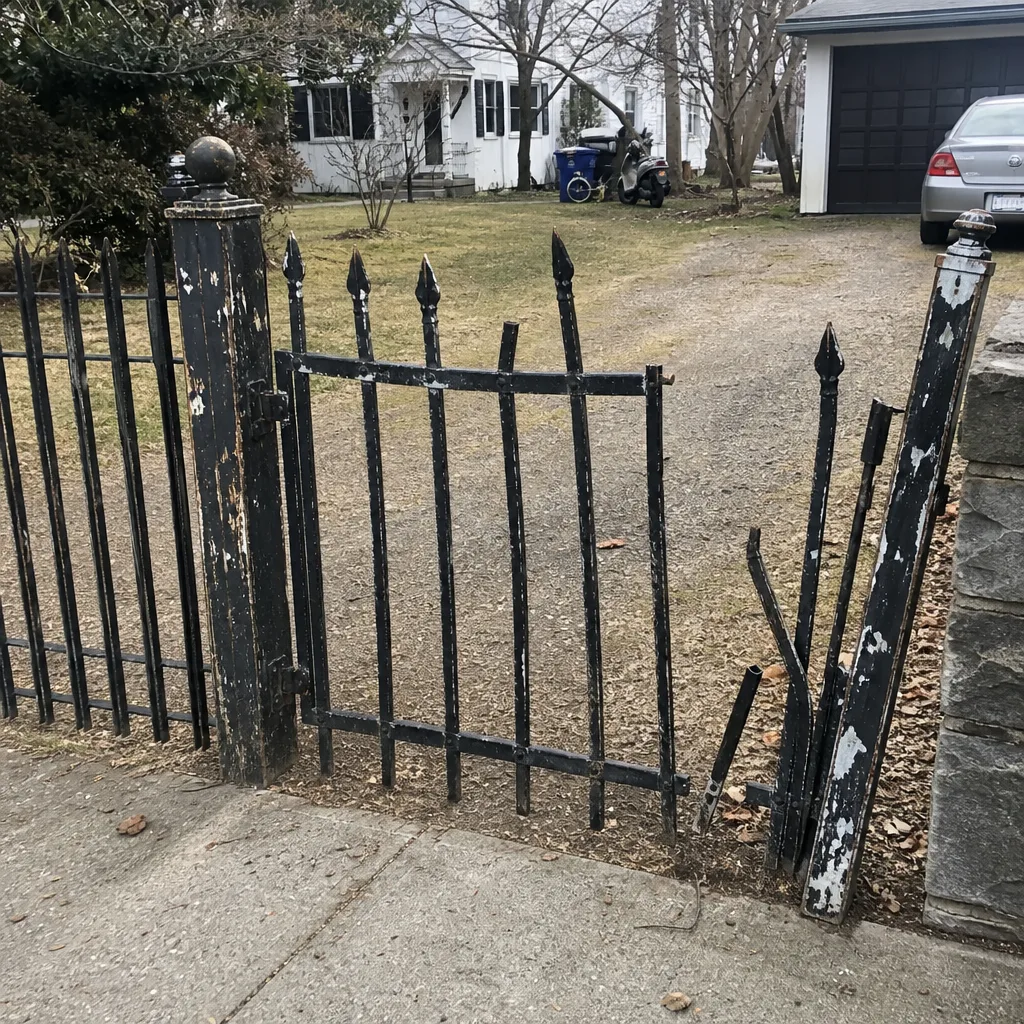 Before
 After
 Before
 After
 Before
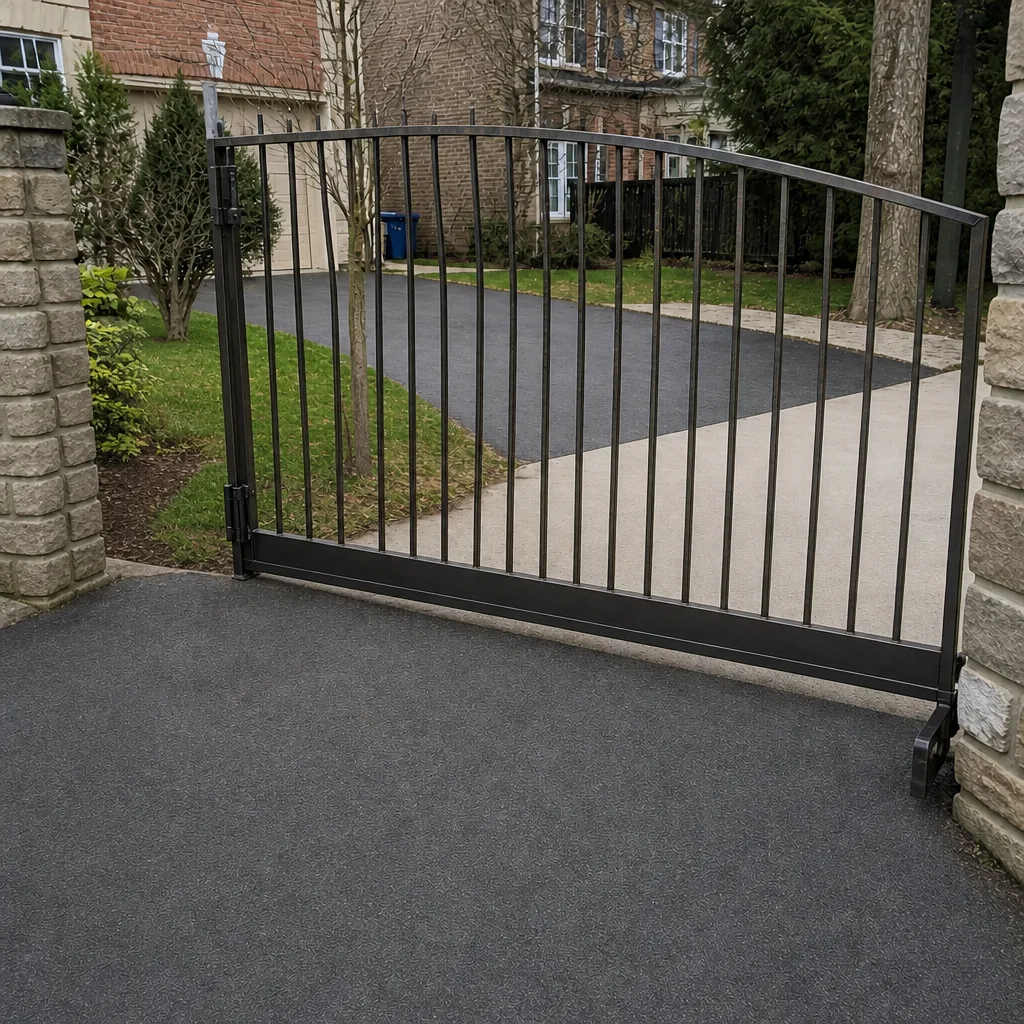 After
When to Call a Professional
Call a professional when your diagnostic checks point to the operator itself: the control board, the motor, the wiring, or the safety edge system. Also call when the gate is heavy and moving unpredictably, when a breaker or GFCI trips a second time, or when the gate has come off its track or is binding badly enough to be a crush hazard. And call when you need the operator’s travel limits re-learned, or when you can’t tell which of the three categories you’re in, because a specialist will know within a few minutes. Arlington Gate Service offers free estimates in Arlington. Call (855) 349-3550 for a free estimate. We answer 24/7, with fast dispatch from 7am to 7pm, Sunday through Friday.
Frequently Asked Questions
The most common cause is a power problem: a tripped GFCI outlet, a tripped breaker, or a dead battery in the keypad or entry system. Check those first, since all three are fixable without tools. If power is confirmed and the operator still doesn’t respond, the issue is likely the control board, the receiver, or a safety sensor, and that’s a technician call. Call (855) 349-3550 for an exact diagnosis, and estimates are free.
A gate that opens but won’t close is almost always a safety sensor or safety edge telling the operator something is in the way. Check for obstructions in the gate’s path, dirt on the sensor lenses, and a sensor that’s been knocked out of alignment. If clearing and aligning the sensors doesn’t fix it, the sensor or its wiring needs a technician. Call (855) 349-3550 to book a diagnosis.
You can safely reset a GFCI, a breaker once, a remote or keypad battery, and the manufacturer’s documented reset button, as long as it doesn’t involve opening the housing or re-learning travel limits. Don’t reset past a second breaker trip, and don’t force a limit or travel reset on your own, especially on LiftMaster or BFT systems where a wrong sequence can corrupt the programming. If you’re unsure, call (855) 349-3550 and describe the symptom.
Northern Virginia’s freeze-thaw cycle is the reason. Lubricants thicken below 20°F, moisture freezes in tracks and hinges, and the ground shifts enough to throw a track or post out of alignment. A gate that’s suddenly stiff in January is often a cold-weather symptom, not a failed operator. Have the moving parts checked and lubricated with something rated for cold weather before the first hard freeze.
Listen to the operator. If you hear the motor run but the gate barely moves, the motor is fine and the problem is mechanical: hinges, track, rollers, or the arm. If the operator is silent and dark, it’s power. If it clicks once and stops, or the gate reverses on its own, it’s signal or the control board. That one test sorts most failures.
We work on nine gate operator brands, from residential systems like Mighty Mule and Ghost Controls to commercial operators like DoorKing, FAAC, BFT, Viking, LiftMaster, Linear, and Elite. That range matters on signal and control board failures, because fault codes and reset sequences aren’t interchangeable between brands. Call (855) 349-3550 and tell us your brand and symptom.
The Bottom Line
Most gate failures in Arlington fall into one of three categories: power, signal, or mechanical. Sort your symptom into the right category before you call anyone, and you’ve already done half the diagnostic work. Check power first, because a tripped GFCI or a dead keypad battery is the cheapest and fastest fix there is. Then look at signal, which usually means the control board or the safety sensors. Then look at the mechanical system, where a worn hinge or an out-of-level track from the freeze-thaw cycle is the usual culprit. Know where the DIY line is: outlet, batteries, debris, sensor cleaning, and the documented reset are safe; wiring, the control board, limit resets, and heavy gates are not. When you’re past that line, a gate specialist will diagnose it right the first time. Call (855) 349-3550 for a free estimate. We answer 24/7, with fast dispatch from 7am to 7pm, Sunday through Friday.
Written by the team at Arlington Gate Service.